 Open Office Calc - Print a File
 1 |
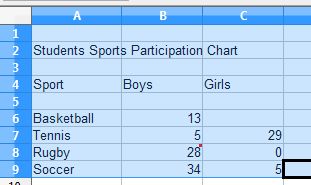
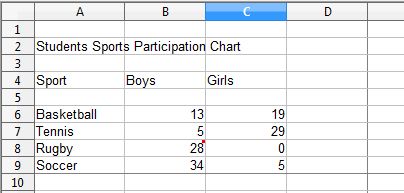
To select cells to print, hold down the left mouse button and drag to select the cells that you want to print.
|
|
2 |
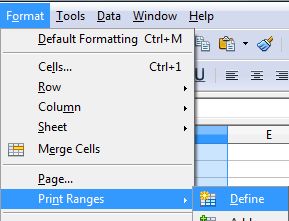
Click Format | Print Ranges | Define
|
|
3 |
The print boundary is indicated by a solid line around the cells you selected. Only the lines inside the cell lines will be selected.
|
|
4 |
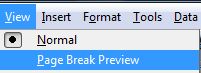
Click View | Page Break Preview |
 |
5 |
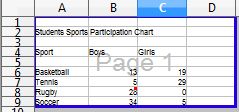
Notice that the print range and page break region are outlined by a blue border and contain a centred number in gray background. |
 |
6 |
To print a Spreedsheet, click File | Print |
 |
7 |
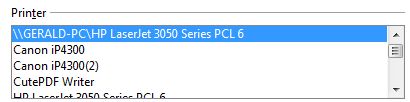
In the Printer section, check the name of the printer and make sure it is the location you want to print to. For example:
|
|
8 |
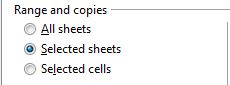
In the print range section, you can chose what part of the spreadsheet you want to print. |
 |
9 |
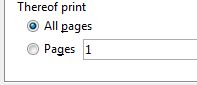
Or pick pages to Print only the pages you specify in the Pages box |
 |
10 |
Click Print |
 |
Produced by SchoolNet SA