 Open Office Calc - Page Header for Printing
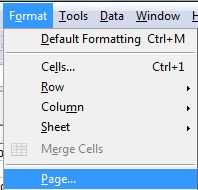
 | 1 | Click Format | Page |
 |
| 2 | Click the Sheet tab | 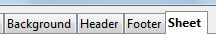 |
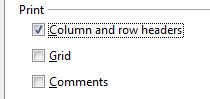
| 3 | To repeat the same row or column at the top of each printed page, click the box for Column and row headers in the Print section. |
|
| 4 | Click OK The row (or rows ) or column (or columns) you selected will now appear on each side when you print your spreedsheet. |
 |
Produced by SchoolNet SA