 Open Office Calc - Page Orientation
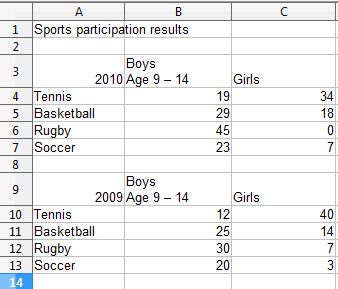
 | 1 | View a worksheet that you want to change to print in landscape format (sideways).
|
|
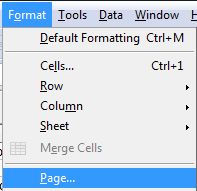
| 2 | Click Format | Page |
 |
| 3 | Click the Page tab |  |
| 4 | In the Orientation section pick Landscape | 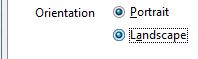 |
| 5 | Click OK |
 |
| 6 | If you would like to see how your spreedsheet will look when printed as landscape, click File | Page Preview | 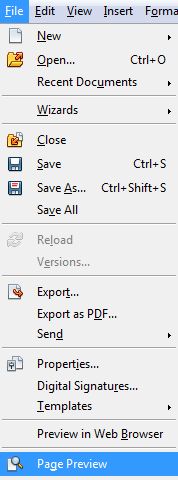 |
| 7 | The worksheet will now print sideways or landscape, but preview it before printing.
|
|
Produced by SchoolNet SA