 Open Office Calc - Copy a Worksheet
 | 1 | Click the tab of the worksheet you want to make a copy of. | 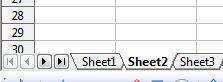 |
| 2 | Click Edit | Sheet | Move/Copy
|
|
| 3 | Make sure the Spreedsheet file that you want to copy the worksheet to is selected in the To Document List | 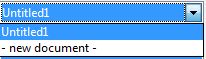 |
| 4 | In the insert before list pick where in that list order you want to put the selected worksheet. | 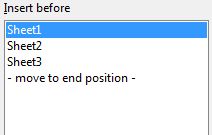 |
| 5 | Then, click Copy | 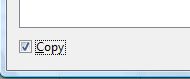 |
| 6 | Click OK |  |

Produced by SchoolNet SA