 Open Office Impress - Add Clip Art
 1 |
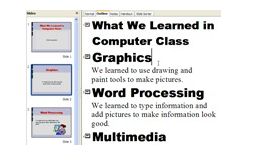
Look at your slide in Outline View.
|
|
2 |
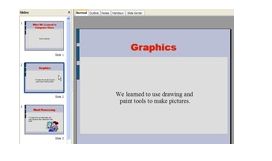
Or look at your slide in Normal View.
|
|
3 |
Click the Gallery button on the Drawing toolbar. NOTE: To add clip art, you must have already added pictures to the Galery in OpenOffice.org |
 |
4 |
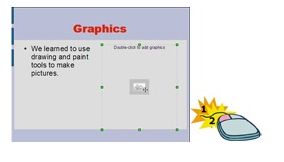
If you have added a slide Layout with a clip art box, just double-click that box.
|
|
5 |
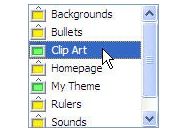
Click the gallery theme that contains your clip art pictures. |
 |
6 |
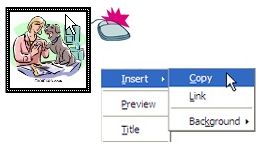
Right-click the clip art picture you want to add to your slide. Then, click Insert | Copy
|
|
7 |
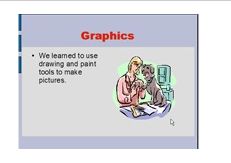
The clip art picture will be added to your slide.
|
|
Produced by SchoolNet SA