 Open Office Impress - Insert a Slide Design
 1 |
Open a presentation to which you want to apply a design template. 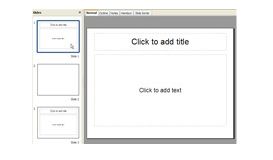 |
|
2 |
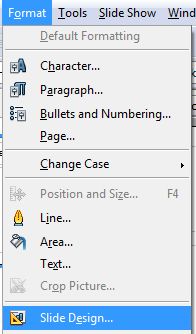
Click Format | Slide Design
|
|
3 |
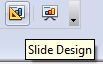
Or click the Slide Design button on the Presentation toolbar |
 |
4 |
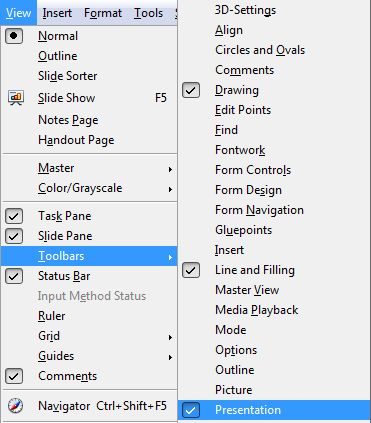
NOTE: if the Presentation toolbar is not showing on your screen, click View | Toobars | Presentation
|
|
5 |
Or, right click the slide for which you would like to apply slide design. Then, pick Slide Design 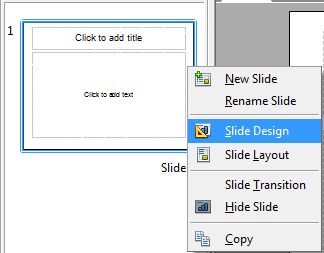 |
|
6 |
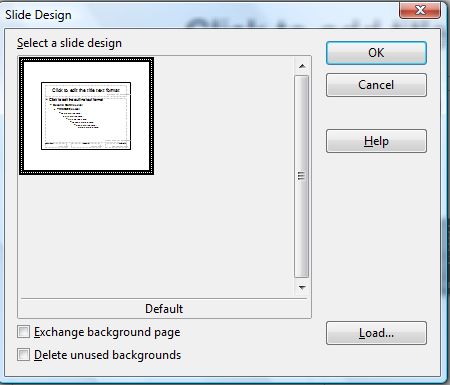
In the Select a slide design group, select a slide design
|
|
7 |
Or for more slide designs, click the Load button |
 |
8 |
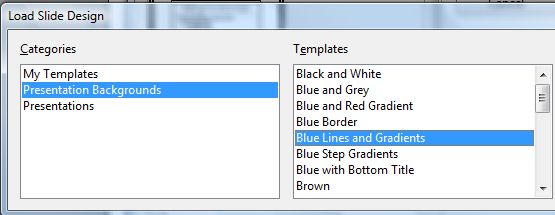
In the Categories group, select Presentation Background.
|
|
9 |
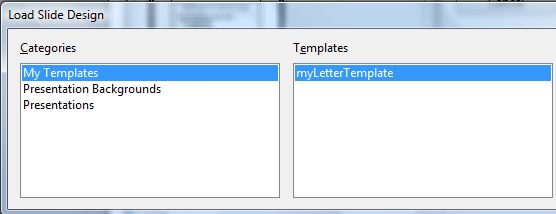
In the My Templates group, select a template
|
|
10 |
Click OK |
 |
11 |
To use the design template on all slides in the presentation, check Exchange Background Page |
 |
12 |
Click OK |
 |
13 |
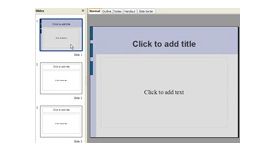
If you did not check Exchange Background Page notice that one slide, the current slide is now formatted like the design template.
|
|
14 |
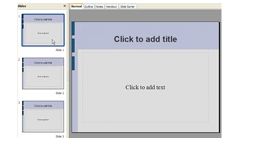
If you did check the Exchange Background Page, notice that all slides are now formatted like the design template.
|
|
Produced by SchoolNet SA