 Open Office Impress - Edit in Outline Pane
 1 |
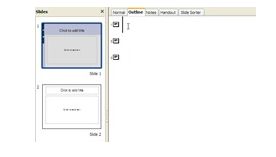
Look at your slide in Outline View.
|
|
2 |
In the Outline pane, click in the space to the right of a small slide picture. |
 |
3 |
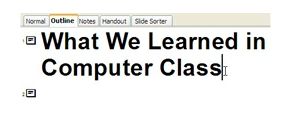
Type the slide title
|
|
4 |
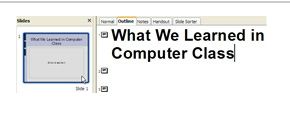
Notice that this title can now be seen in the slide. |
|
Produced by SchoolNet SA