 Open Office Impress - View in Slide Sorter View
 1 |
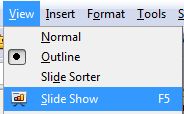
Click View | Slide Sorter or click the Slide Sorted tab |
or
|
2 |
Notice that the Slide Sorter appears in the main tab on the screen. 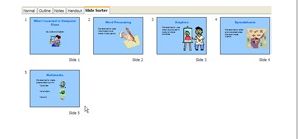 |
|
3 |
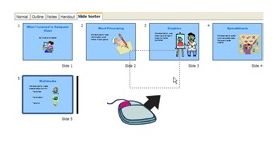
In Slide Sorter View, you can drag slides to change their order.(See Multimedia Skills: To put slides in order.
|
|
4 |
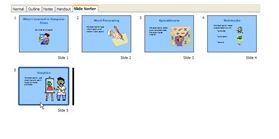
Notice that when you release the mouse button, tthe Slides Sorter View shows the new slide order.
|
|

Produced by SchoolNet SA