 Open Office Writer - Trim the Edges of an Image
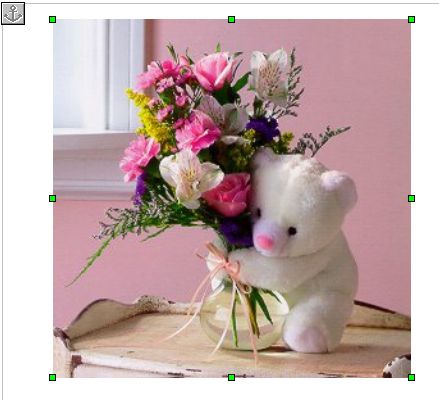
 | 1 | Click the Picture
|
|
| 2 | Click Format | Picture | 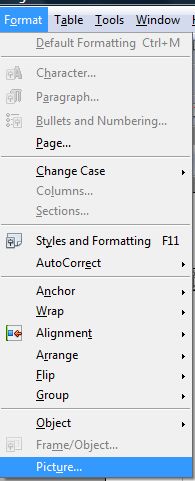 |
| 3 | Click the Crop tab |  |
| 4 | In the Scale group, click Keep Scale. | 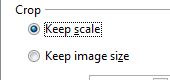 |
| 5 | lick the arrows in the Left, Right, Top and Bottom boxes to set how much you want to trim or crop off each side of the picture. | 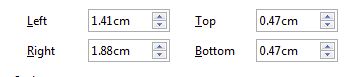 |
| 6 | Check the crop marks in the preview box on the right. | 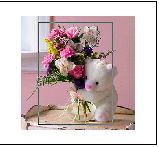 ` ` |
| 7 | Click OK |
|


i
Produced by SchoolNet SA