 Open Office Writer - Numbered List
 | 1 | Highlight the lines of words or paragraphs you want to change. | 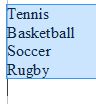 |
| 2 | Click Format | Bullets and Numbering | 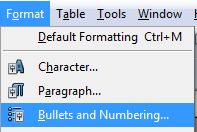 |
| 3 | Click the Numbering type tab | 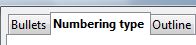 |
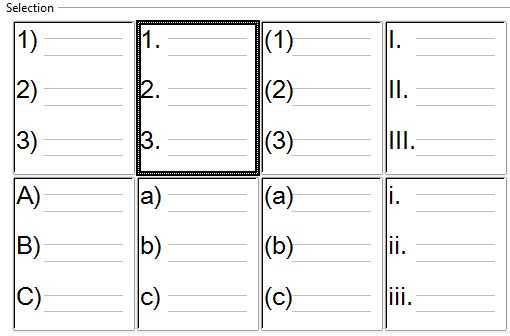
| 4 | Pick one of the numbered list options.
|
|
| 5 | Click OK. NOTE: For a shortcut you can try clicking the Numbering On/off button on the formatting toolbar. This will automatically add the last numbered list style to the highlighted text |
|


Produced by SchoolNet SA