 Open Office Writer - Add a Visible Page Grid
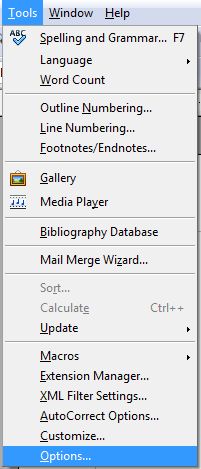
 | 1 | Click Tools | Option
|
|
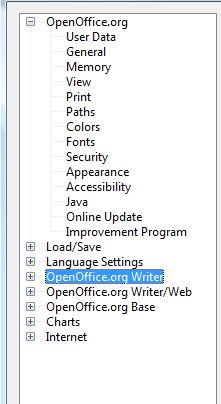
| 2 | Click the plus symbol to the left of Openoffice.org Writer in the list.
|
|
| 3 | Click Grid | 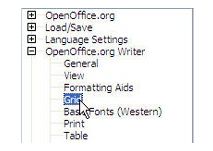 |
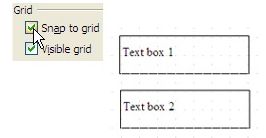
| 4 | In the Grid group, check the Visible Grid box | 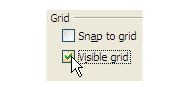 |
| 5 | Check the Snap to Grid box to force your objects to line up along t he gridlines.
|
|
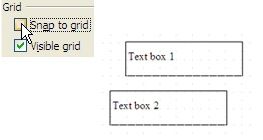
| 6 | Or, leave Snap to grid unchecked so you can put objects were ever you want.
|
|
| 7 | Click OK |  |
Produced by SchoolNet SA