 Open Office Write - First Line Indent
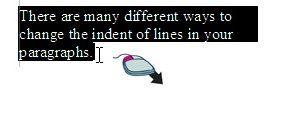
 | 1 | Highlight the lines of words or paragraphs you want to change. (See Word Processsing Skill: To highlight words so you can mke changes.)
|
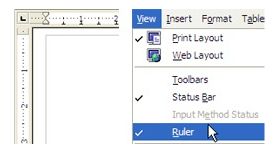
| 2 | Make sure you can see the rulers on the edges of the document.
|
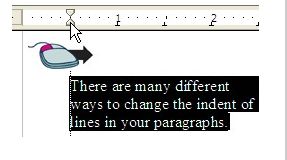
| 3 | Set one of these indents: drag the Left Indent marker on the ruler to indent the left side of all the lines in a paragraph
 |
| 4 | Or drag the First Line indent marker on the ruler to indent only the first line in a paragraph. 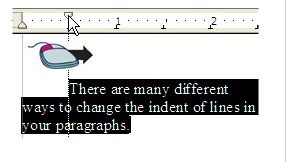 |
Produced by SchoolNet SA