 Open Office Writer - Automatically Format A Table Appearance
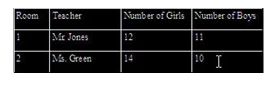
 | 1 | Highlight the words whose position you want to change.
|
| 2 | To change the alignment of the words between the left and right boeders of the cells, click Align Left, Centered, or Align Right buttons on the Formating toolbar.
|
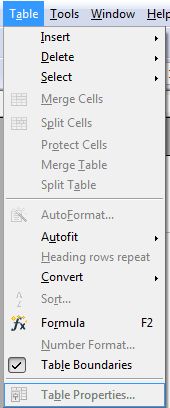
| 3 | To change the Alignment of the words between the top and bottom borders of the cells, Click Table | Table Properties
|
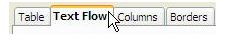
| 4 | Click The Text Flow tab |
| 5 | Then, click the Vertical alignment arrow and pick one of the options.
|
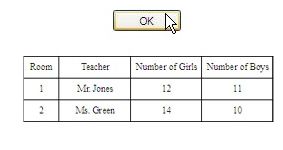
| 6 | Click OK when you are finished making changes. |


Produced by SchoolNet SA