 Open Office Write - Change Table Borders
 | 1 | Select the cells, rows or columns that you want to change the look of. You can also select the entire table if you want.
|
|
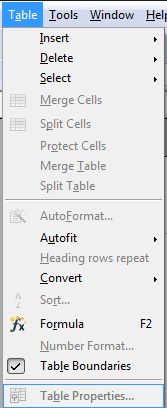
| 2 | Click Table | Table Properties
|
|
| 3 | Click the Borders tab
|
|
| 4 | In the Default group of the line arrangement section, click Set Outer Border and All inner Lines | 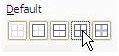 |
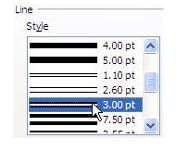
| 5 | Pick a Line Style for the border . |
|
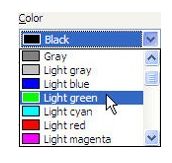
| 6 | Pick a Line Colour for the border.
|
|
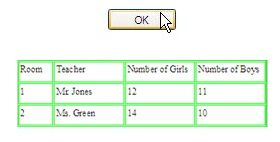
| 7 | Then, click OK
|
|


Produced by SchoolNet SA