 Open Office Writer - Split Table Cells
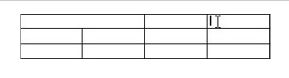
 | 1 | Select the cells you want to split
|
|
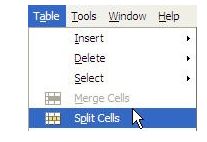
| 2 | Click Table | Split cells
|
|
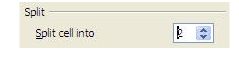
| 3 | In the Split cell into box, type the number of columns or rows you want to split the cell into.
|
|
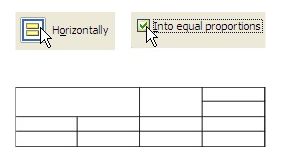
| 4 | Click Horizontally. If you want your new cells to be the same size, check the Into equal proportions box.
|
|
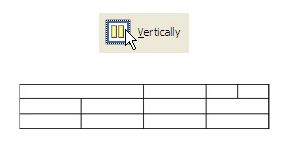
| 5 | Or, click Vertically. If you want your new cells to be the same size, check the Into equal proportions box.
|
|
| 6 | Click OK |  |
Produced by SchoolNet SA