 Open Office Writer - Move a Table Row
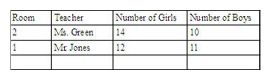
 | 1 | Add a new, empty row in the place were you want to put the information that is currently in another row.(see Word Processing Skill: To add or insert a new row into a table.)
|
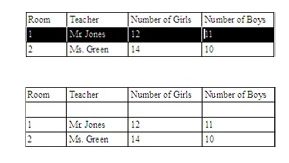
| 2 | Select the row you want to move. (See Word Processing Skills: To select a row or many rows.)
|
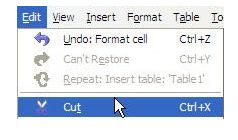
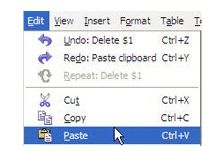
| 3 | Click Edit | Cut |
| 4 | Select the empty row were you want to put the row you just cut. 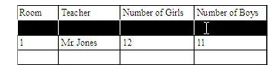 |
| 5 | Click Edit | Paste
|
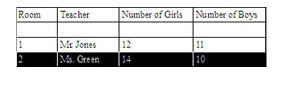
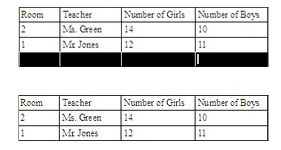
| 6 | Notice that the cut row has been moved.
|
| 7 | Delete the empty row that used to contain the cut information. (See Word Processing skill: To Remove or delete an empty row or rows.)
|
Produced by SchoolNet SA