 Open Office Write - Sort Data In A Table
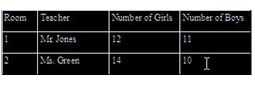
 | 1 | Select all of the rows that you want to put in a different order
|
|
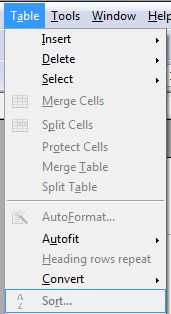
| 2 | Click Table | Sort
|
|
| 3 | Make sure the Key 1box is checked in the Sort criteria group. |  |
| 4 | Click the arrows in the column box to pick the column that contains the information you want to sort the table by. |  |
| 5 | Or, in the Key type list,pick the type of information you want to sort the table by. | 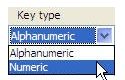 |
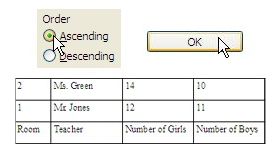
| 6 | Pick Ascending to put the information in alphabetical order or in numeric order from the lowest to the highest. Then, click OK.
|
|
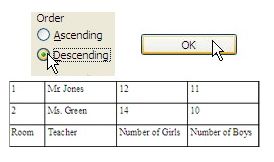
| 7 | Pick Descending to out the information in reverse alphabetical order or in numeric order from highest to lowest. Then, click OK.
|
|
Produced by SchoolNet SA