 Open Office Writer - Create a Template
 | 1 | Open a finished document that you would like to use again the future. NOTE: if you plan to use the document on another computer, first save it as a regular document. Then, move the document to the other computer and complete the steps below to save the document as a template on the other computer. |
 |
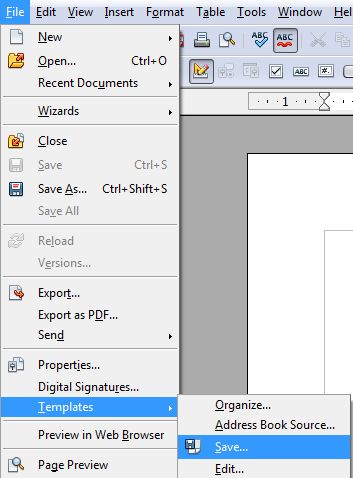
| 2 | Click File | Templates | Save
|
|
| 3 | In the New template box type a name for your new template file. | 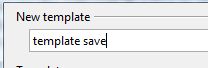 |
| 4 | In the categories list, pick a template category for your template file.
|
 |
| 5 | Click Ok. |  |
| 6 | ||
| 7 | ||
Produced by SchoolNet SA