 Open Office Writer - Insert a Textbox
 | 1 | Click the Text tool on the drawing toolbar.
|
|
| 2 | NOTE: if the drawing toolbar is not showing on your screen click View | Toolbars | Drawing
|
|
| 3 | Make sure that you have created a text box and that it is selected | 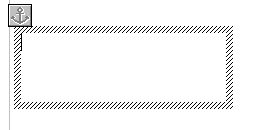 |
| 4 | When you see the cursor flashing inside your box start typing your words | |


Produced by SchoolNet SA