 Open Office Writer - WrapText Around and Image
| 1 | Click the Picture
|
|
| 2 | Click Format | Picture | 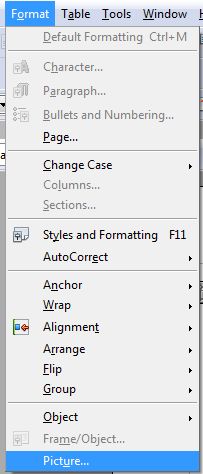 |
| 3 | Click the Wrap tab | 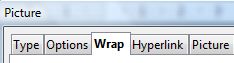 |
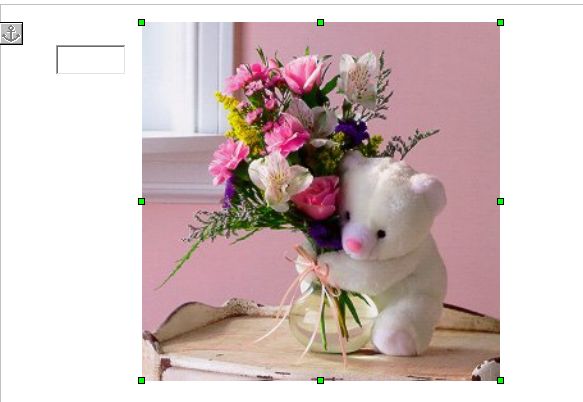
| 4 | Pick one of the Text wrapping settings: None ( this is the way most pictures are when you firrst add them to a page.) |
 |
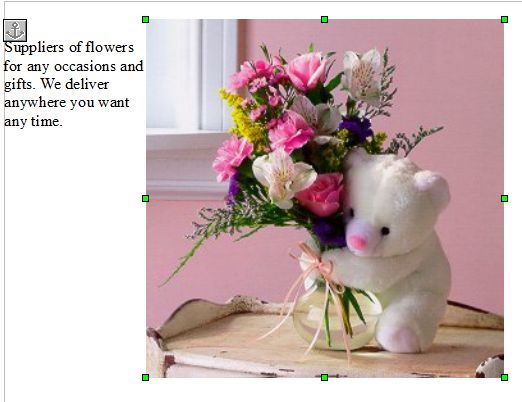
| 5 | Or Pick Before ( The text will begin before, or to the left of, the image and flow downward.)
|
|
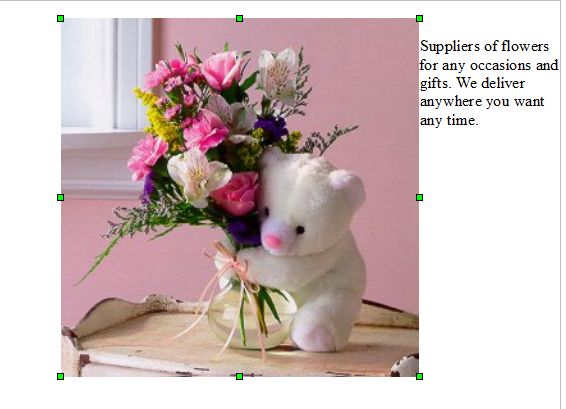
| 6 | Or Pick After ( The text will begin after or, to the right of the image and flow downward.)
|
|
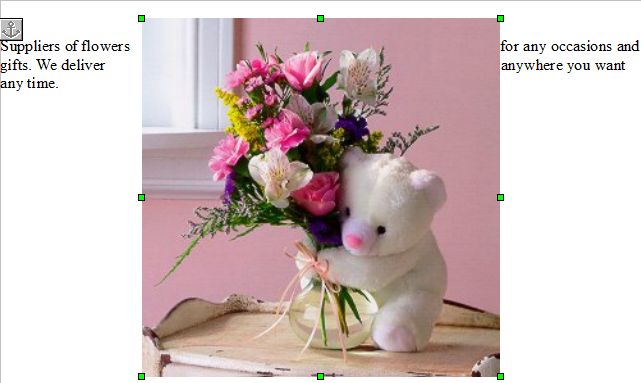
| 7 | Or Pick Parallel ( Each line of text that begins on the left, continues on the other side of the image.)
|
|
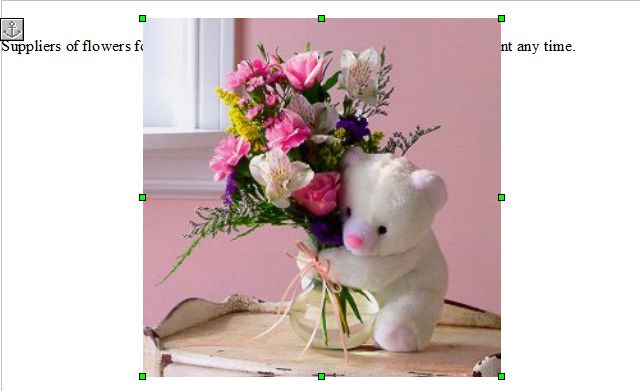
| 8 | or Pick Through ( this places your picture on top of the text so you will not be able to see all of the words.)
|
|
| 9 | Click OK |  |




Produced by SchoolNet SA