Getting Started
Unit 1: ICT and Community
Unit 1: ICT and Community
Computer Basics
Before you begin using the computer, you should know some basic facts. This includes knowing the names of some of the parts of the computer as well as knowing how to move the mouse.
|
||
| 1. | The CPU (central processing unit) is the brain and all the insides of the computer. It is found inside the box that is either on the desk top or below the desk top.
|
|
| 2. | The monitor is similar to a television. Both have screens used to display information.
|
 |
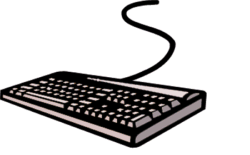
| 3. | The keyboard is used to type information. It has keys or buttons with letters and numbers on them, plus some special keys.
|
 |
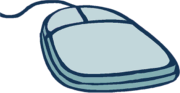
| 4. | The mouse is used most often for pointing at things on screen. The mouse has buttons that can do things when pressed.
|
 |
|
||
| 1. | The mouse can also be used for clicking. Clicking is tapping the mouse button once to press it and then quickly letting go.
|
|
| 2. | Also, there will be times when you will be double-clicking. Double-clicking means tapping the left button two times very quickly. A double-click is often used to open or start something.
|
|
| 3. | Dragging is another type of movement you can do with the mouse. Dragging is holding down the left mouse button and
|
|